
Draft: this article is still being reviewed.
Importing bank statements (MT940 and CAMT.053)
Your bank account is the backbone of your records. Every payment belongs to an invoice, a receipt or a private entry. With a bank file you bring in all transactions in one go.
The formats
- MT940 is an old, widely used format for bank statements. Almost every Dutch bank offers it.
- CAMT.053 is the newer format, in XML. It holds more data, such as the full description.
- CSV is a simple table file. Every bank makes it slightly differently.
If you can, choose CAMT.053 or MT940.
Downloading
You download the file in your online banking, usually under "statements" or "export". Choose the period, for example a quarter. Some banks keep the files for a limited time only. So download them in good time.
Keeping
Your bank statements are part of your records. You must keep your records for 7 years. (Belastingdienst: keep good records) Also keep the original file, not only the import.
Importing twice
If you import a period twice, transactions must not appear twice in your records. Watch for this if you let the periods overlap.
In ZZPboek
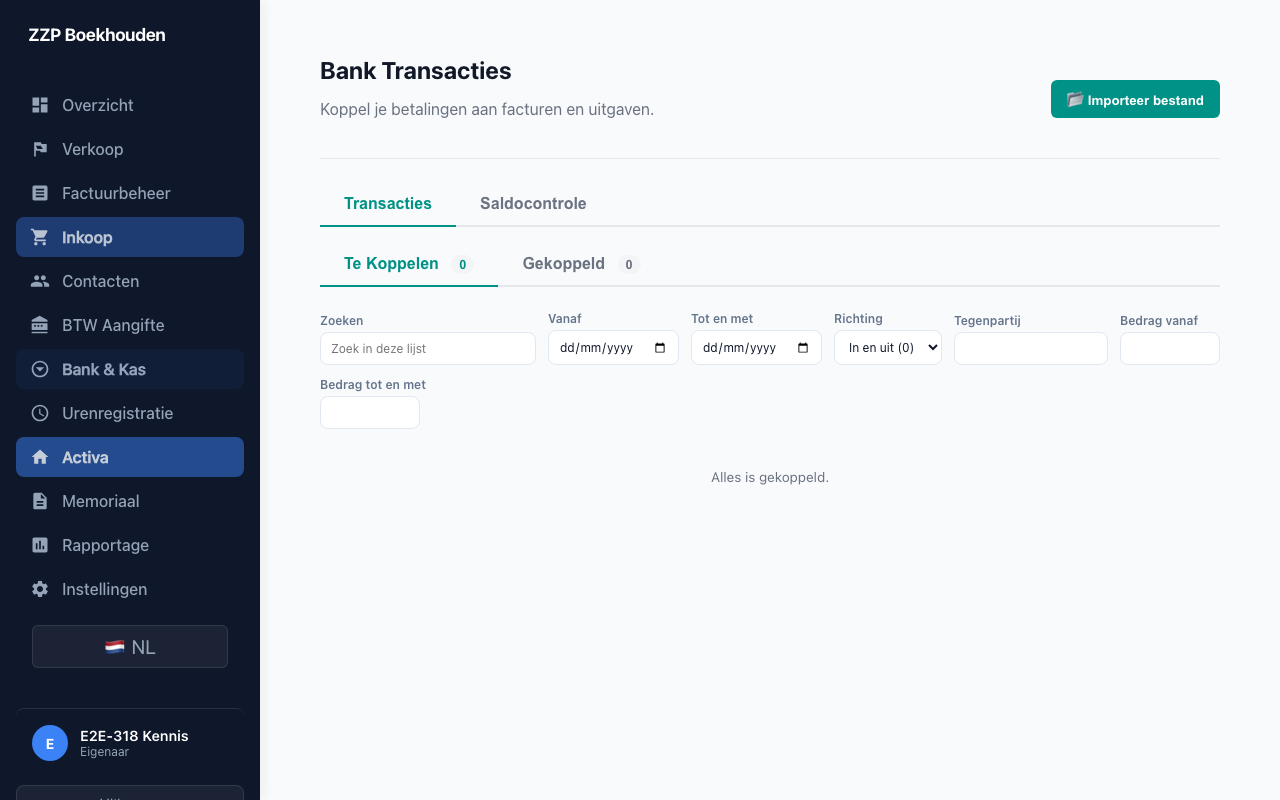
You import MT940, CAMT.053 and CSV under Bank and cash. The app skips transactions that are already in. Then, for each transaction, Smart match suggests an invoice or purchase to link. It is a suggestion: you confirm it with Link.
Sources
- https://www.belastingdienst.nl/wps/wcm/connect/bldcontentnl/belastingdienst/zakelijk/ondernemen/administratie/
- https://www.belastingdienst.nl/wps/wcm/connect/bldcontentnl/belastingdienst/zakelijk/ondernemen/onderneming_starten/houd-een-goede-administratie-bij
This article is general information, not tax advice. If you are unsure about your situation, ask the Belastingdienst or an adviser.