
Draft: this article is still being reviewed.
Switching from Boekhouden van ABN AMRO
ABN AMRO has announced that Boekhouden van ABN AMRO will close on 1 January 2027. According to ABN AMRO, you can download your data until 1 April 2027. After that, your records, reports and documents are no longer available. Check the current dates in your own package.
Why in good time?
You must keep your records for 7 years, even if you change package. You keep invoices in the form in which you sent or received them. (Belastingdienst: setting up your records)
What do you download?
- Your reports: the opening balance, the profit and loss account and the balance sheet of each year.
- Your sales invoices and your receipts, as PDF.
- Your bank files, in MT940 or CAMT.053. Some banks offer these only for a limited period, so download them as soon as possible.
- Your VAT returns: copies are also in Mijn Belastingdienst Zakelijk.
- A list of outstanding invoices from clients and suppliers.
After downloading, check that the numbers match what you see in the package. Keep two copies in different places.
When to switch?
A new financial year is the easiest moment. You then start with the closing balance of the old year as your opening balance.
In ZZPboek
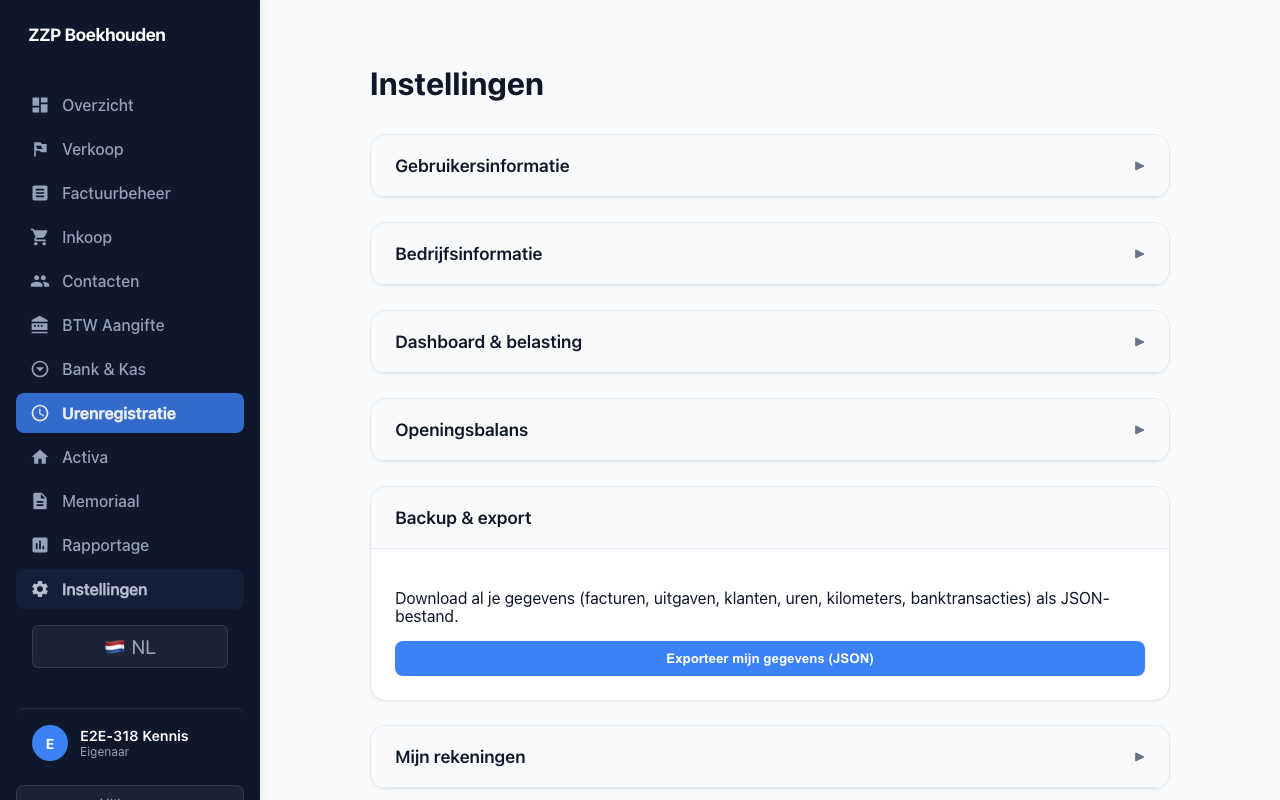
You enter your opening balance per account and import your bank files in MT940 or CAMT.053. You enter old sales invoices one by one, with the original PDF. This way your records continue without a gap.
Sources
- https://www.belastingdienst.nl/wps/wcm/connect/bldcontentnl/belastingdienst/zakelijk/ondernemen/administratie/
- https://www.belastingdienst.nl/wps/wcm/connect/bldcontentnl/belastingdienst/zakelijk/ondernemen/onderneming_starten/houd-een-goede-administratie-bij
This article is general information, not tax advice. If you are unsure about your situation, ask the Belastingdienst or an adviser.